 29 June 2026
 Share
Share
1
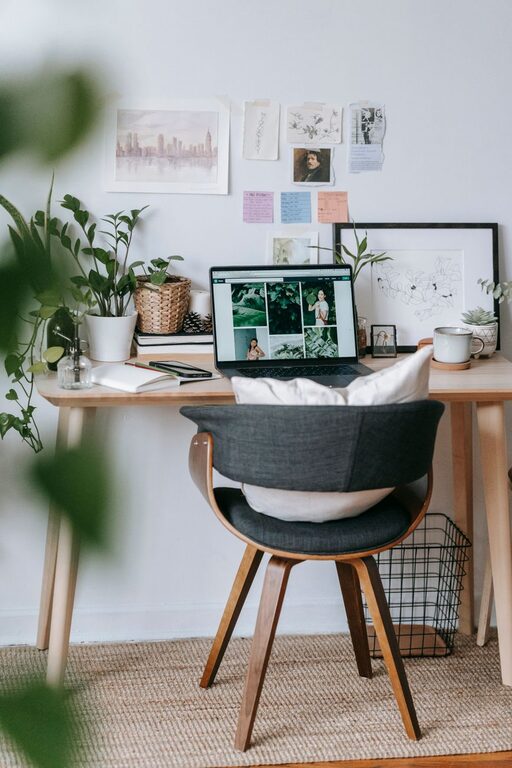
Creating a cozy and functional home office is essential for anyone working or studying from home. A well-designed space not only boosts productivity but also makes your work hours more enjoyable. Whether you have a dedicated room or a small corner, you can transform it into a comfortable and efficient workspace. Here are some helpful tips to get you started.
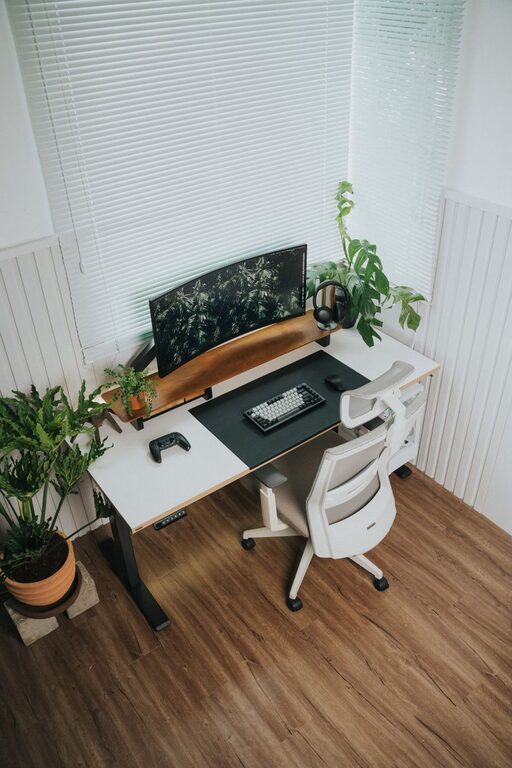
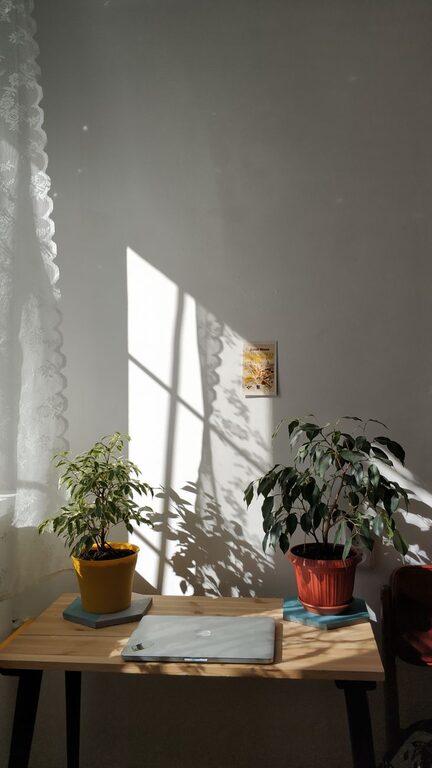
One of the first steps in setting up your home office is to pick a spot with plenty of natural light. Natural light improves mood, reduces eye strain, and helps maintain your body’s natural rhythms. Position your desk near a window if possible, but make sure the light doesn’t cause glare on your computer screen.
Find a quiet corner away from heavy foot traffic or household noise. A calm environment will help you stay focused. If you don’t have a separate room, consider using room dividers or privacy screens to create a dedicated zone.
Investing in a good chair is key. Look for one that supports your lower back and encourages good posture. Adjustable height and lumbar support features promote comfort during long hours of work.
Your desk should fit your space and meet your needs. Some people prefer a large desk for multiple monitors and paperwork, while others do fine with a smaller, minimalist setup. Make sure it has enough surface area and storage options for your work essentials.
Make sure your workspace is well-ventilated and maintains a comfortable temperature. A fan, heater, or air purifier can help customize your environment so it’s neither too cold nor too warm.
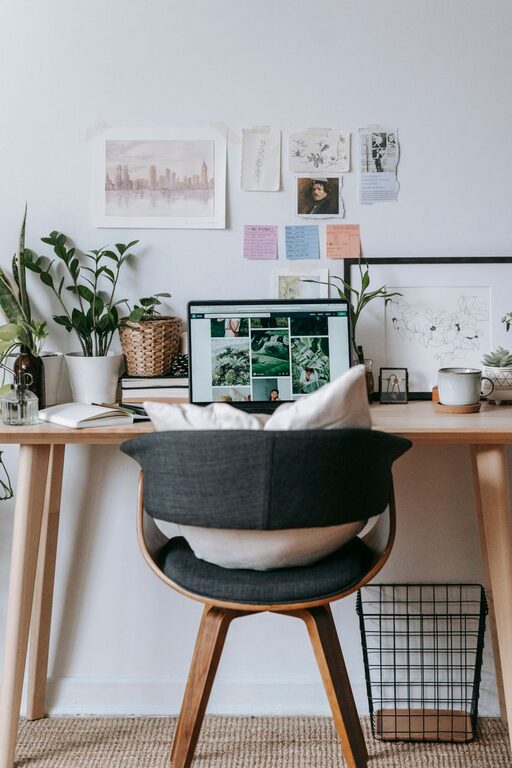
Keep your desk clutter-free by incorporating storage options like shelves, drawers, or file organizers. Utilize vertical space by installing floating shelves for books or supplies. Consider using baskets or bins to store smaller items neatly.
Arrange your workspace so that things you use often are easy to find and grab. This minimizes interruptions and helps maintain workflow.
Tidy up cords and cables with clips, sleeves, or cable boxes. This not only looks cleaner but also reduces the risk of tripping or damaging equipment.
Choose colors that promote relaxation and concentration. Soft blues, greens, or neutral tones are often calming and encourage focus.
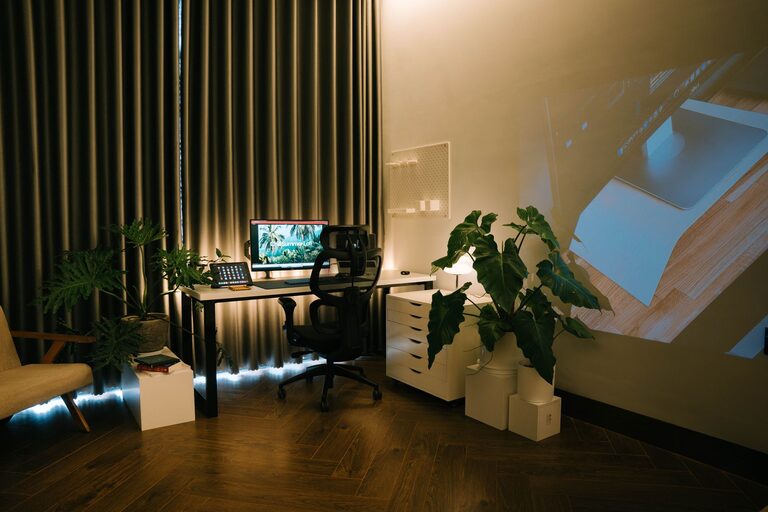
Add a cozy rug, comfortable throw pillows, or curtains to soften your office space. These elements make the room feel inviting and warm.
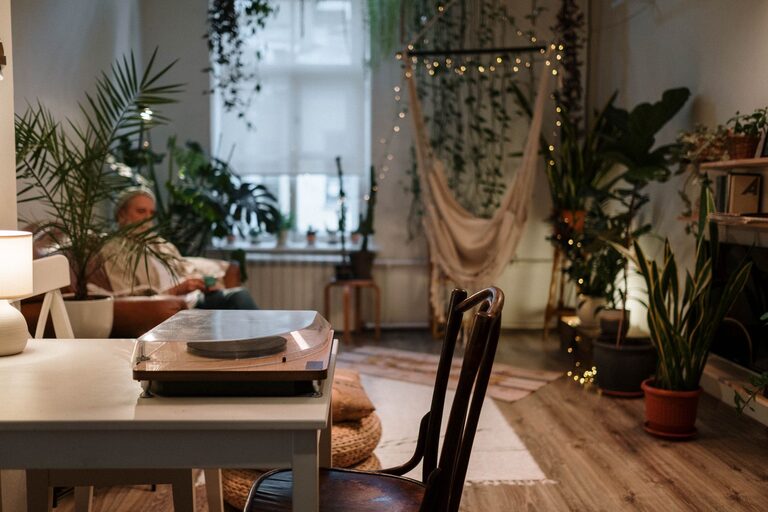
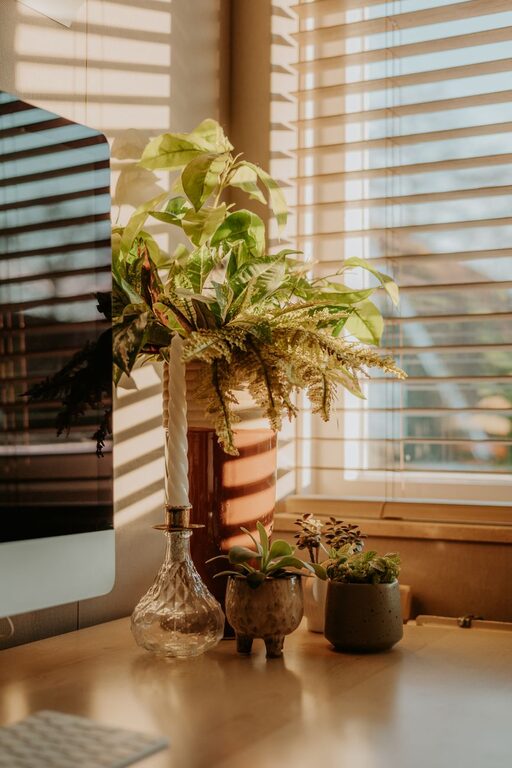
Include items that inspire you, such as photos, artwork, or plants. Houseplants, in particular, improve air quality and create a peaceful atmosphere.
Use a mix of overhead lights and task lamps to avoid glare and shadows. Adjustable desk lamps offer focused light for reading or detailed work, while softer ambient lighting makes the space more inviting.
Select light bulbs that mimic natural daylight (around 5000K) to boost alertness during work. For late afternoon or evening sessions, warmer tones (2700K-3000K) help you unwind.
Invest in reliable technology like a fast computer, quality monitor, and ergonomic keyboard and mouse. These tools make working easier and reduce physical strain.
If your home is noisy, noise-canceling headphones can improve concentration by blocking out distractions.
Use charging stations, USB hubs, or wireless chargers to maintain organized and accessible tech gear.
Create a routine with clear start and end times to separate work from personal life. This helps maintain a healthy balance and prevents burnout.
If possible, set aside a space where you don’t bring work. This encourages mental breaks and helps you recharge.
Spend a few minutes each day tidying your desk and organizing papers. A clean workspace supports a clear mind.
Periodically evaluate your setup. Small changes like adjusting chair height or adding more storage can make a big difference over time.
—
Designing a cozy and functional home office may take some time, but the effort pays off with improved comfort and productivity. By carefully choosing your location, prioritizing comfort, staying organized, and personalizing your space, you can create a work environment that feels both inviting and efficient. Happy decorating!