 29 June 2026
 Share
Share
1

Creating a productive home office environment is essential for anyone working remotely or running a business from home. The right setup can improve your focus, reduce distractions, and help separate work life from personal life. Here are several practical tips to help you design a workspace that fosters productivity and comfort.
A dedicated area for your home office helps signal to your brain that it’s time to work. Ideally, select a quiet corner or room with a door to minimize interruptions. Avoid working from places associated with relaxation, such as your bed or couch.
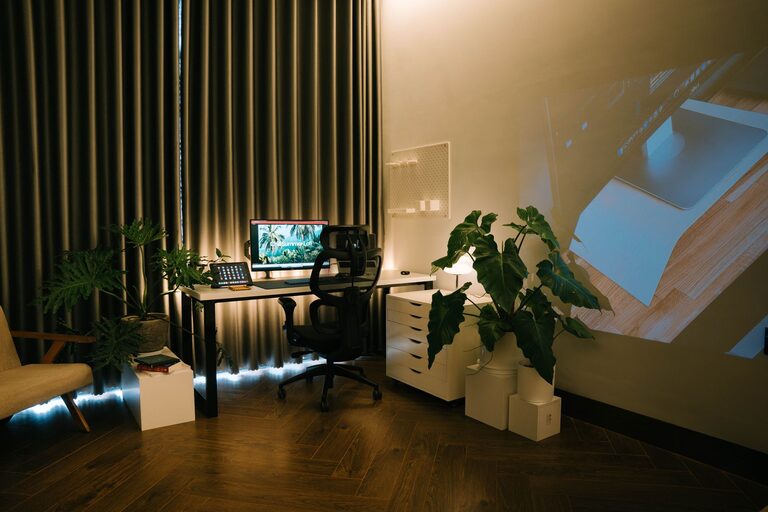
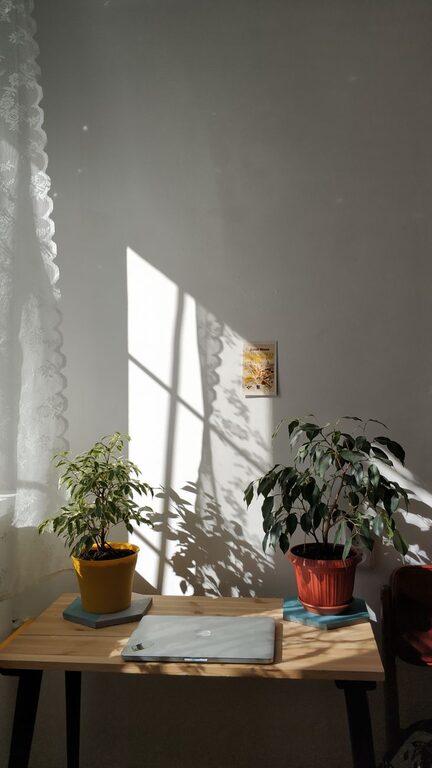
Natural light boosts mood and energy levels. Set up your desk near a window if possible, but avoid glare on your computer screen. Use sheer curtains to diffuse harsh sunlight while keeping your workspace bright.
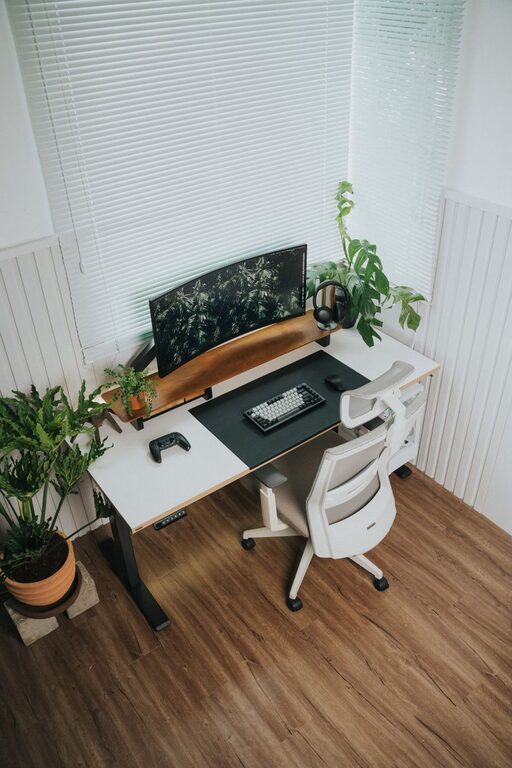
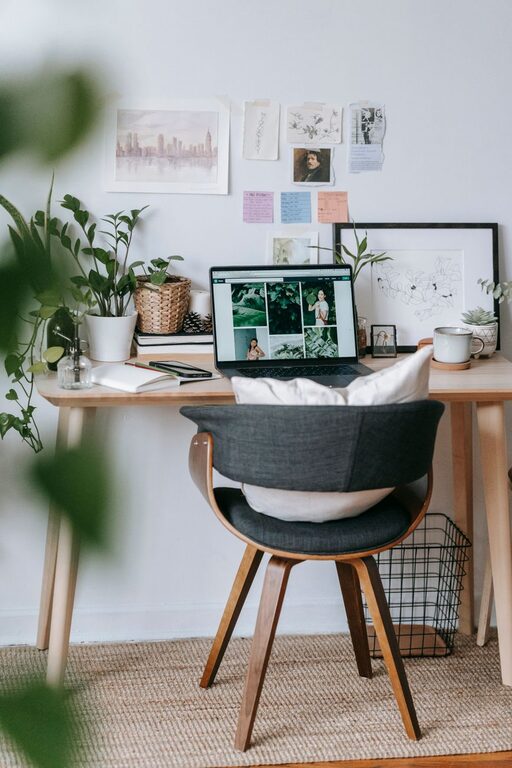
Choose a desk with enough surface area to accommodate your computer, paperwork, and other tools without clutter. Invest in an adjustable office chair that supports your lower back and encourages good posture. Sitting comfortably reduces fatigue and prevents strain.
If sitting all day isn’t ideal, consider a sit-stand desk. Changing positions throughout the day can improve circulation and help maintain focus.
A clutter-free desk reduces distractions. Keep only essential items within reach and organize supplies in drawers or containers. Regularly sort through papers and digital files to maintain a clean environment.
Shelves, filing cabinets, and desk organizers are great for keeping everything in its place. Label folders and bins to quickly find what you need.
Use a mix of natural, ambient, and task lighting to avoid eye strain. A desk lamp with adjustable brightness can provide focused light for reading or detailed work.
Place your monitor at eye level and about an arm’s length away. This helps prevent neck and eye strain. If you use multiple screens, arrange them to avoid excessive head turning.
If noise is an issue, try noise-canceling headphones or white noise machines. Alternatively, play soft instrumental music to mask background sounds.
Establish clear work hours and communicate them. Use signs or signals to indicate when you shouldn’t be disturbed.
Having a consistent schedule enhances focus and helps maintain work-life balance. Start and end your workday at the same times whenever possible.
Organize your tasks using to-do lists or digital planners, prioritizing the most important work first. Schedule regular breaks to rest your eyes and stretch.
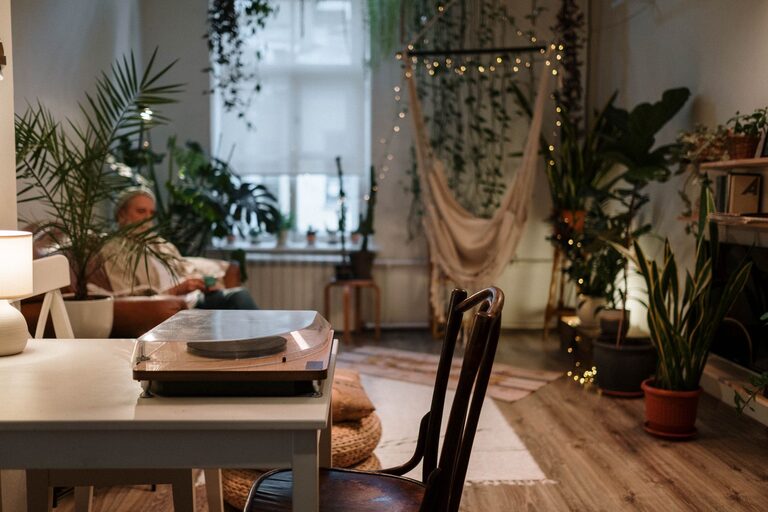
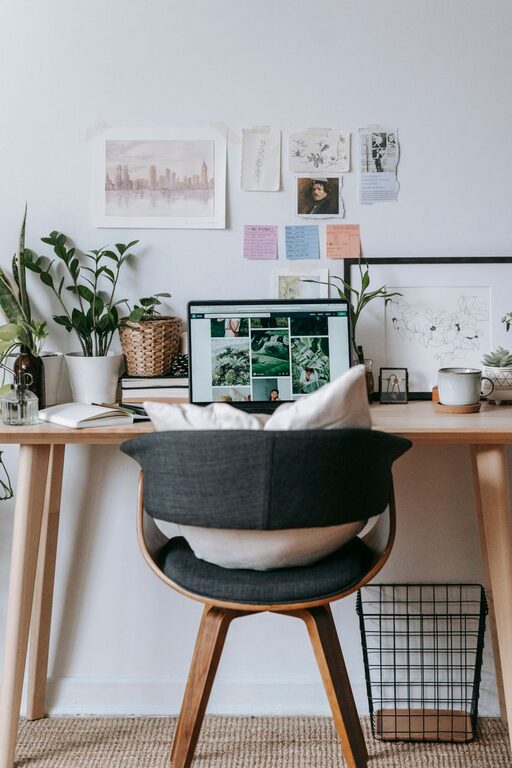
Plants, artwork, or motivational quotes can make your office feel pleasant and inviting. Greenery, in particular, has been shown to reduce stress and improve concentration.
Have water, healthy snacks, and a cozy sweater at hand to stay comfortable during your workday.
A reliable internet connection and updated devices help you avoid frustrating slowdowns. Regularly update software and back up important files.
Turn off non-essential notifications and use apps that block distracting websites during work hours.
—
By thoughtfully designing your home office with these tips, you can create an environment that supports sustained focus, enhances comfort, and ultimately boosts your productivity. Remember, your space should work for you—feel free to adjust and personalize it as your needs evolve.